 Reemap
Settings
Click on File > Settings to open Reemap settings.
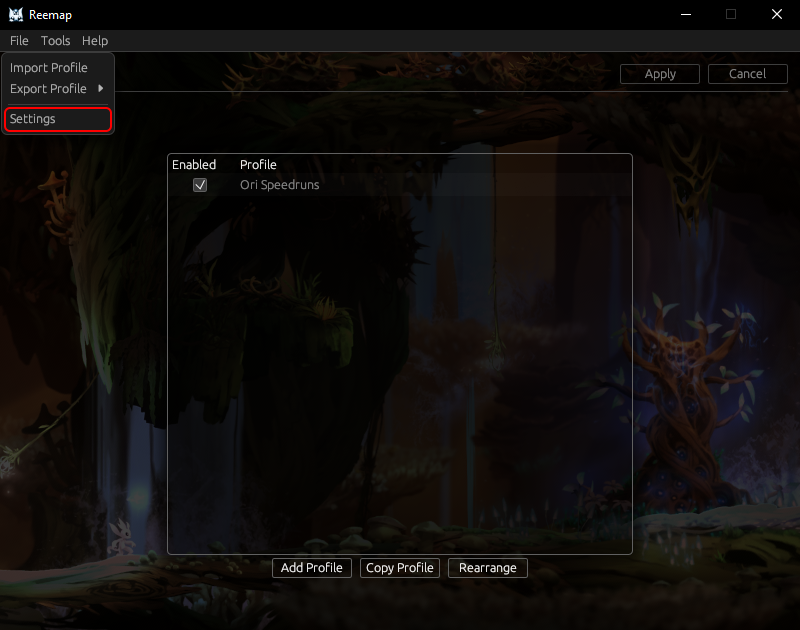
Reemap has three settings. Like all the profiles, these settings are user-specific. If you make changes to your settings, they will not affect any other users on your computer.
Background
You can set the background in Reemap to one of two pictures:
- Ginso Tree
- Gradient
This setting has no effect on the function of Reemap.
Run on login
When checked, Reemap will start when you log in.
Be careful if you have a profile that runs unconditionally. If you get yourself stuck, remember: you can turn on Scroll Lock to disable remaps!
Show unusual keys
Reemap contains every virtual key code, but many of these key codes aren't on many user's keyboards. Reemap will hide some keys by default, but you can show these keys by checking this box.
Reemap hides a small number of keys even with this setting enabled. This includes Scroll Lock, which Reemap reserves as the special key to disable remaps.