 Reemap
Quick Example
This section just gives a quick example to get you going.
Let's make it so when Ori and the Blind Forest: DE is open, we change Right Click to C.
Make a Profile
Click on the Add Profile button.
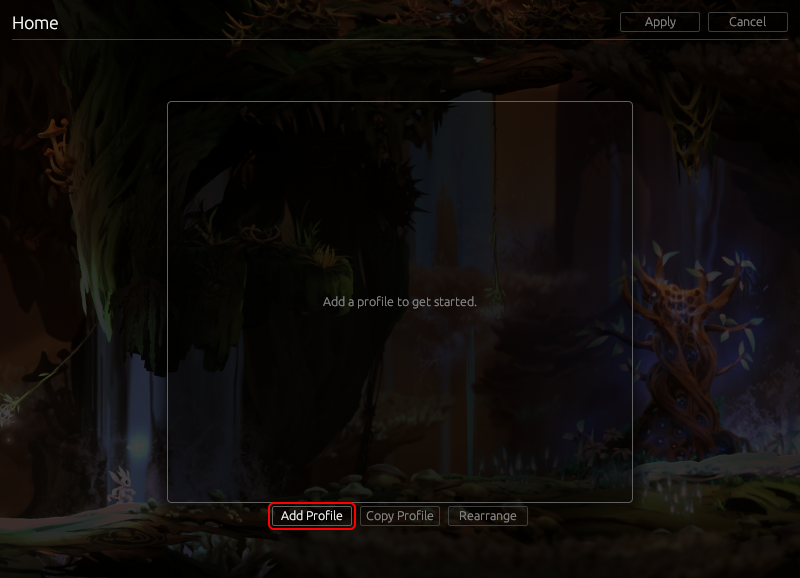
Give it a name, like "Ori Speedruns".
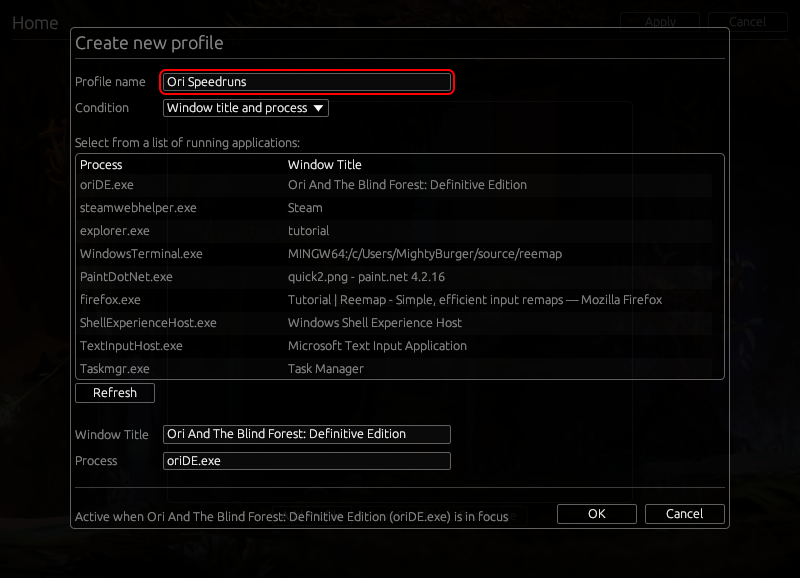
Then, select Ori and the Blind Forest: Definitive Edition The game should be running so it appears in this list.
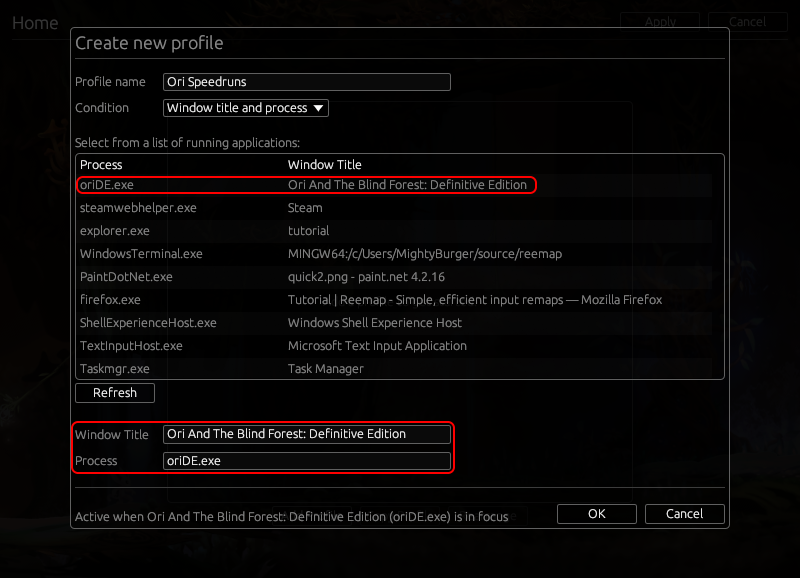
Click OK.
You've now created a profile that will be active whenever Ori and the Blind Forest: DE is in focus. Now, let's add a remap to this profile.
Make the Remap
Click on the profile you just made.
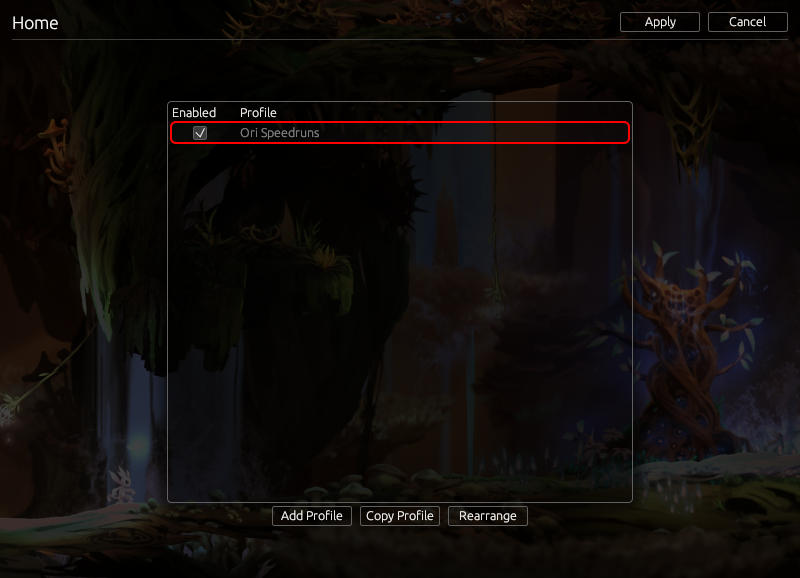
Click on Right Click in the table on the right.
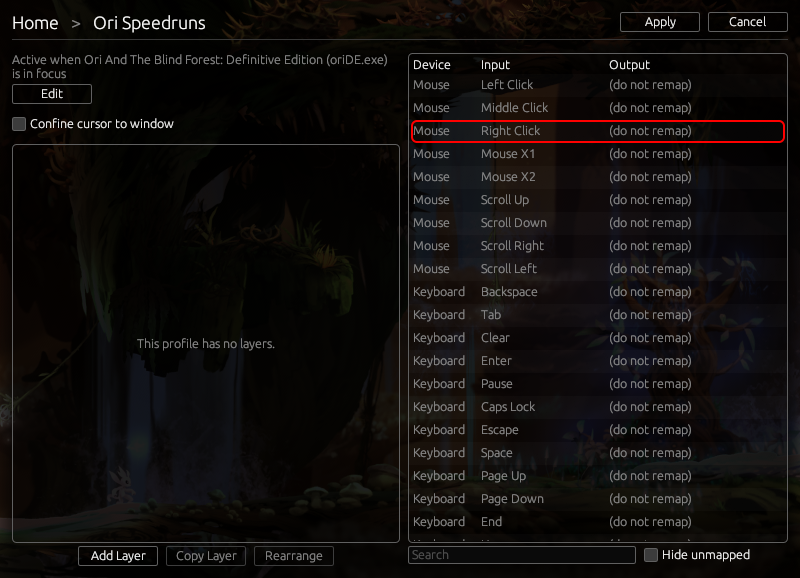
Change the dropdown menu to Remap.
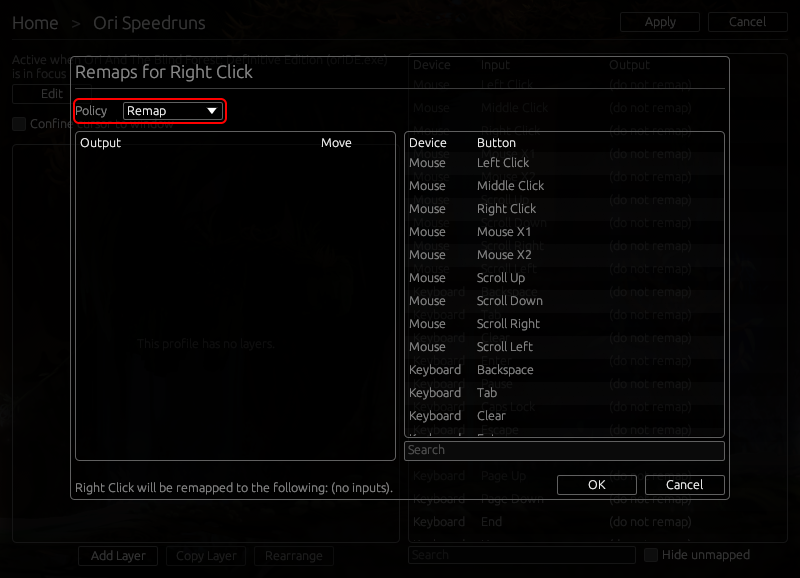
Then, click C in the table on the right.
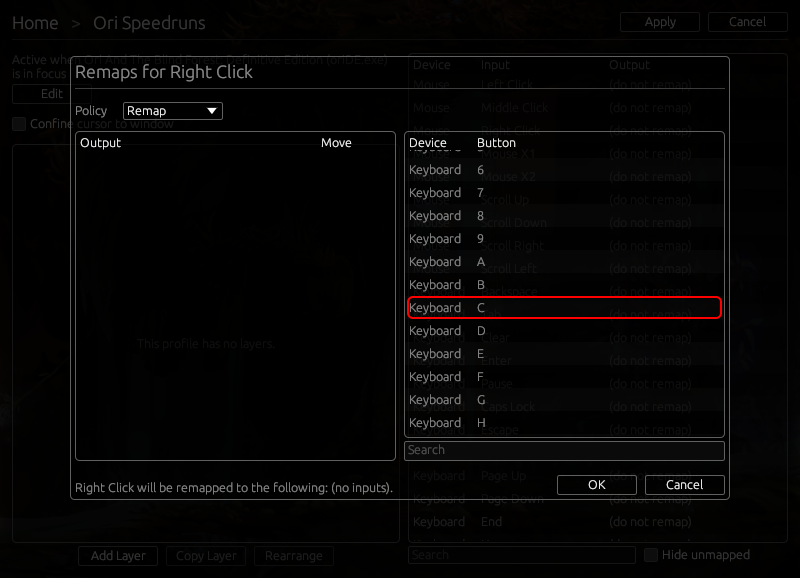
Notice C appears on the left-hand side.
Click OK.
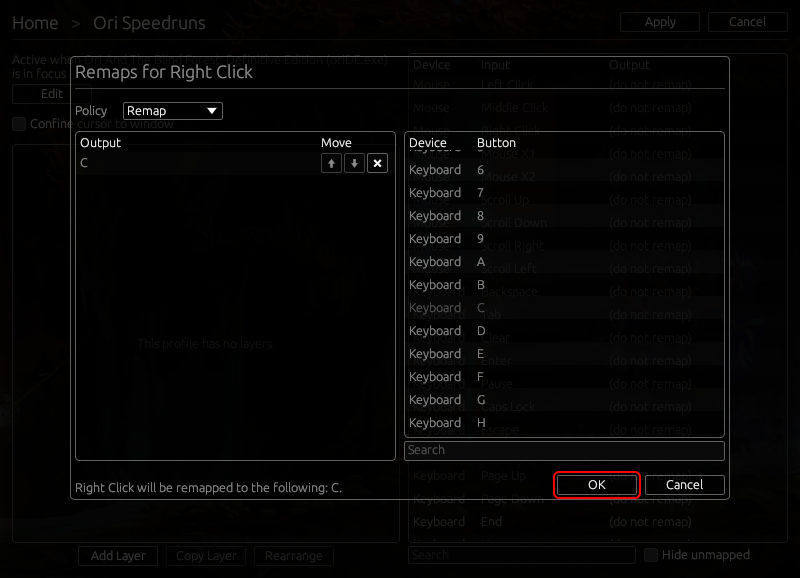
Finally, hit Apply.

You're good to go! Now, whenever Ori and the Blind Forest: DE is open, all right click inputs will be remapped to C inputs.