 Reemap
Profiles
You can add profiles in Reemap.
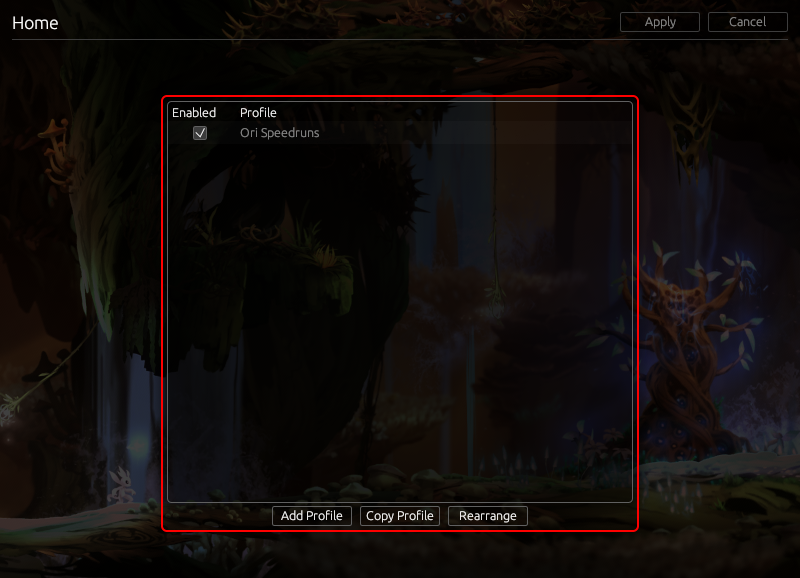
When you add a profile, Reemap will ask you to choose a window. The profile will be active when the window is in focus.
Once you make a profile, you can click on it inside Reemap. From there, you can add remaps and even add some layers.
For example, you might set up a profile that remaps Right Click to C, but only when Ori is open.
Profile Priority
If multiple profiles could apply at the same time, only the one that's higher up in the list of profiles will be active.
For example, if you have two profiles active when firefox.exe is in focus, only the first profile
will apply when Firefox is open.
Making a Default Profile
Sometimes, it's useful to have a default profile, i.e. a profile that's active when no other profile is active.
To do this, make the profile Always Active, then put it at the bottom of the list of profiles. That way, your other profiles take priority.