 Reemap
Layers
You can add layers to a profile in Reemap.
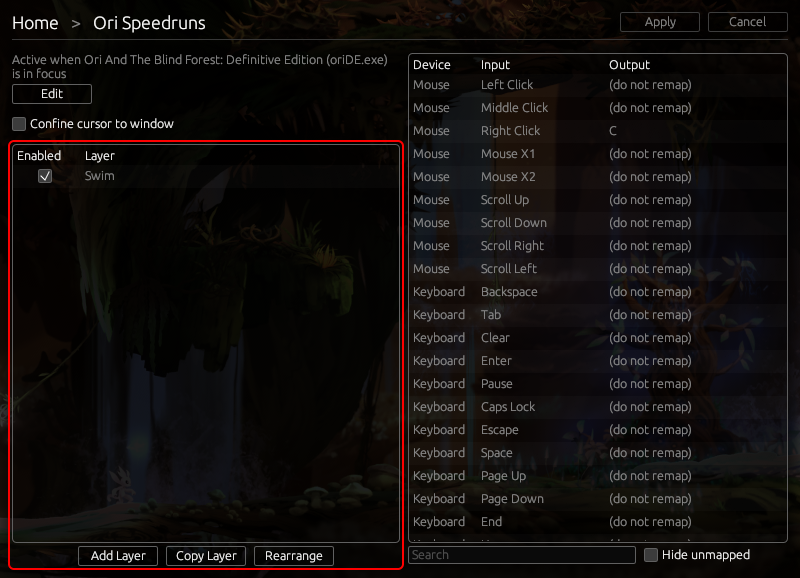
Layers let you temporarily change some remaps. When a layer is active, it overrides some of the profile's remaps.
For example, say your profile normally changes A to B. You could add a layer to change A to C instead, but only when you're holding Left Shift.
You would do this by adding a modifier layer conditioned on Left Shift. Then, inside that layer, you remap A to C.
There are modifier layers and toggle layers. See the next section, Creating a Layer, for what each type of layer does.
Layer Priority
Multiple layers can be active at the same time. Usually, they won't interact.
However, if two layers are active and they both change the same input, the input will be remapped according to the layer that is higher up in the list of layers.