 Reemap
Introduction
This website contains instructions for Reemap, an input remap tool.
What's it do?
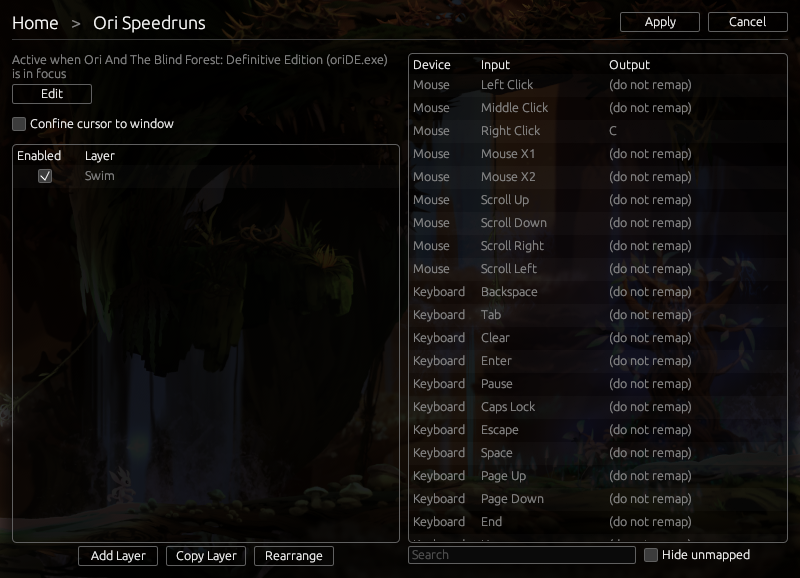
Reemap runs in the background and converts keyboard/mouse inputs to other keyboard/mouse inputs. You set the remaps you want.
How do I use it?
To get started, make a profile, and add some remaps to it!
Reemap has two features to help with remaps: profiles and layers.
Profiles let you apply remaps when a certain window is in focus. For example, you can make C change to D when Notepad is open.
Each profile can contain any number of layers. Layers give you more options for how to remap your inputs. Layers are optional, but they can be useful.
At any point in time, only one profile is active. But multiple layers can be active at once.
The Escape Hatch
If you ever get stuck, turn on Scroll Lock. Reemap will stop remapping inputs.